Your Neighbourhood,
Connected
Stay in the loop with your neighbours, buy and sell safely on your street, and discover local owambe and events just steps away.
Welcome back
Sign in to see what is happening locally.
Don't have an account?
Discovery Hub
See What's Happening
In Your Estate
Connect with verified neighbours, support local businesses, and attend curated events that matter to your community.
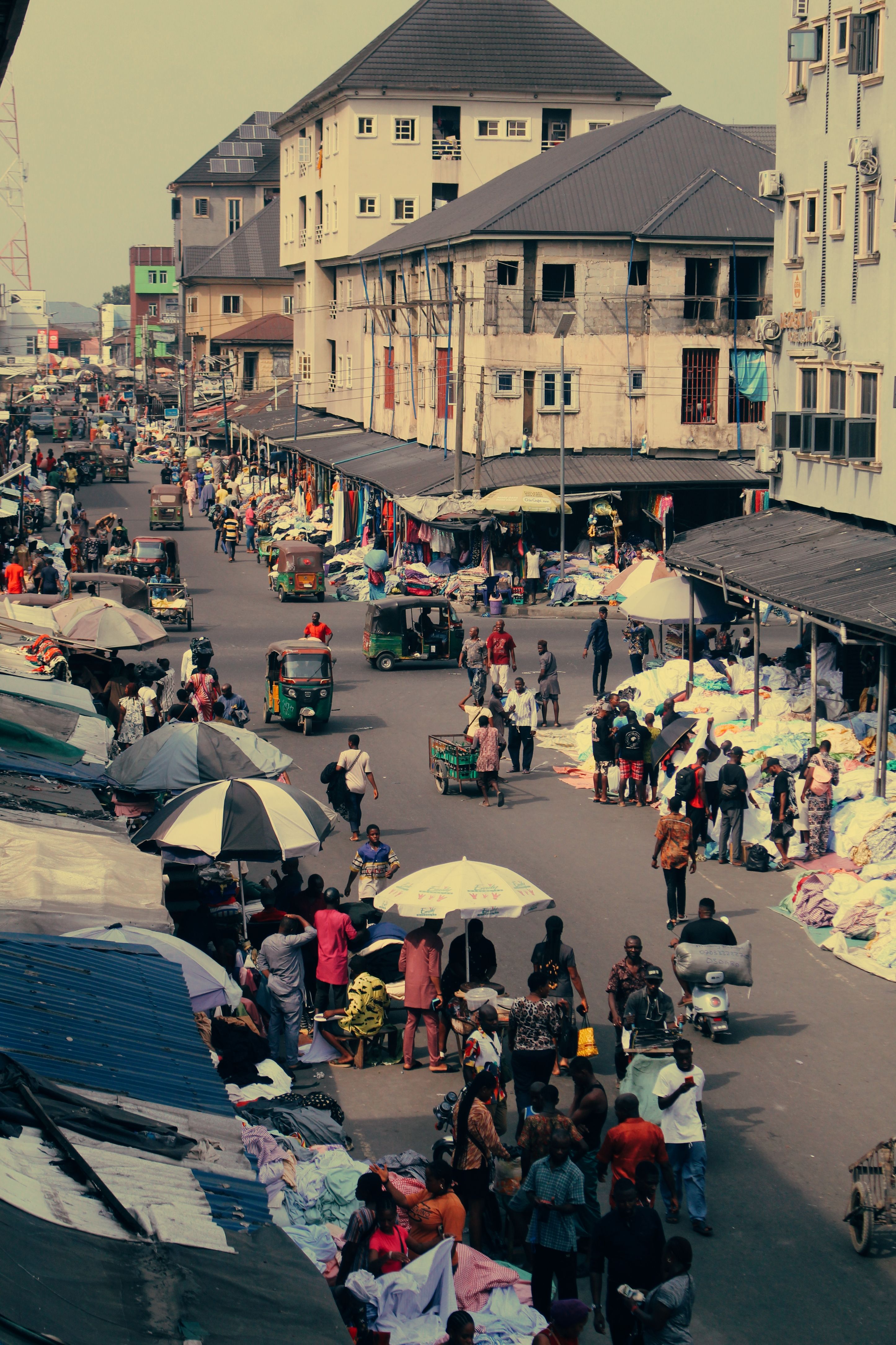
Local Owambe & Events
Find estate meetings, networking meetups, and local parties happening today.
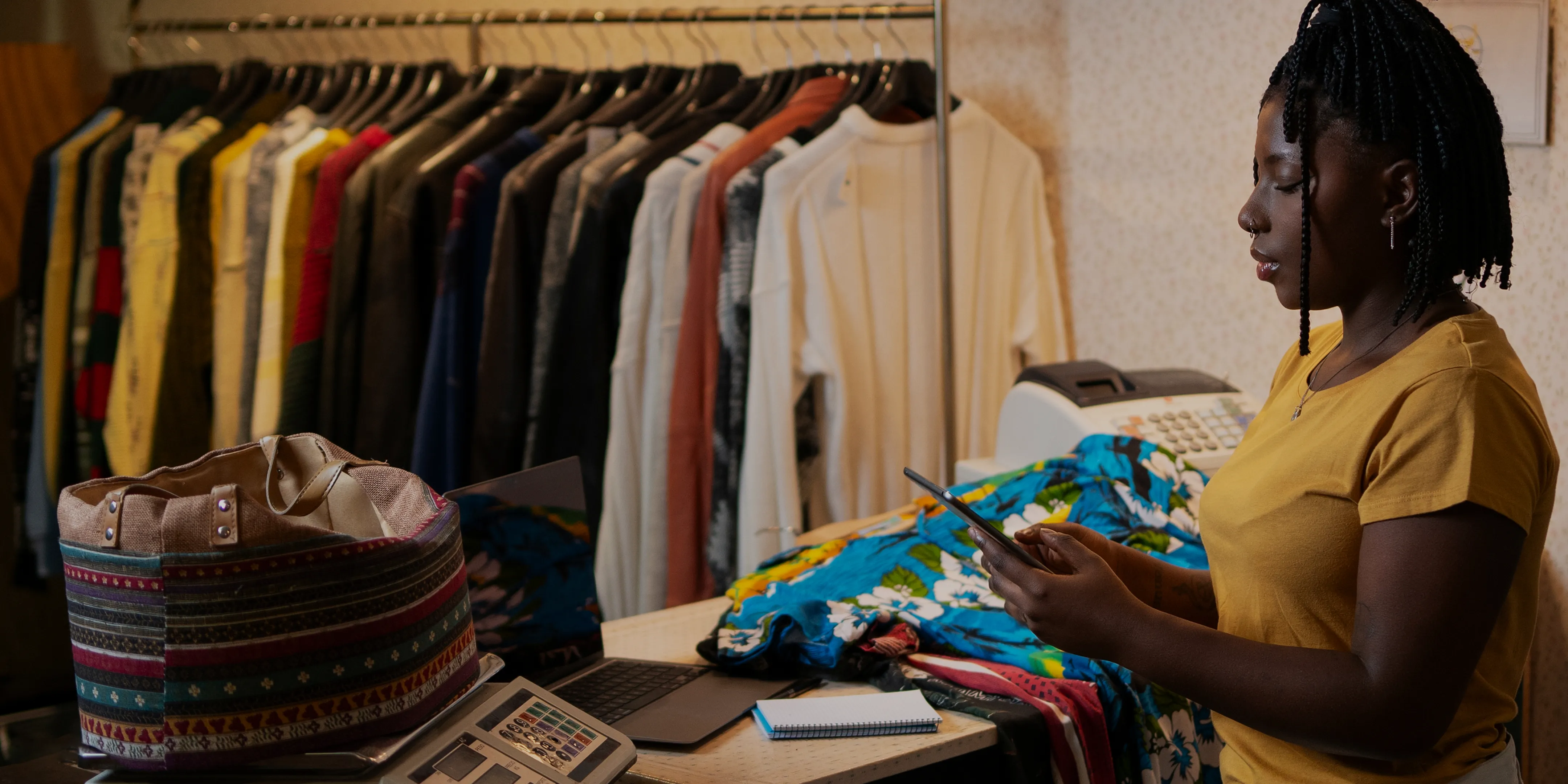
Neighbourhood Market
Support your local vendors or post your own hustle to reach neighbours you trust.
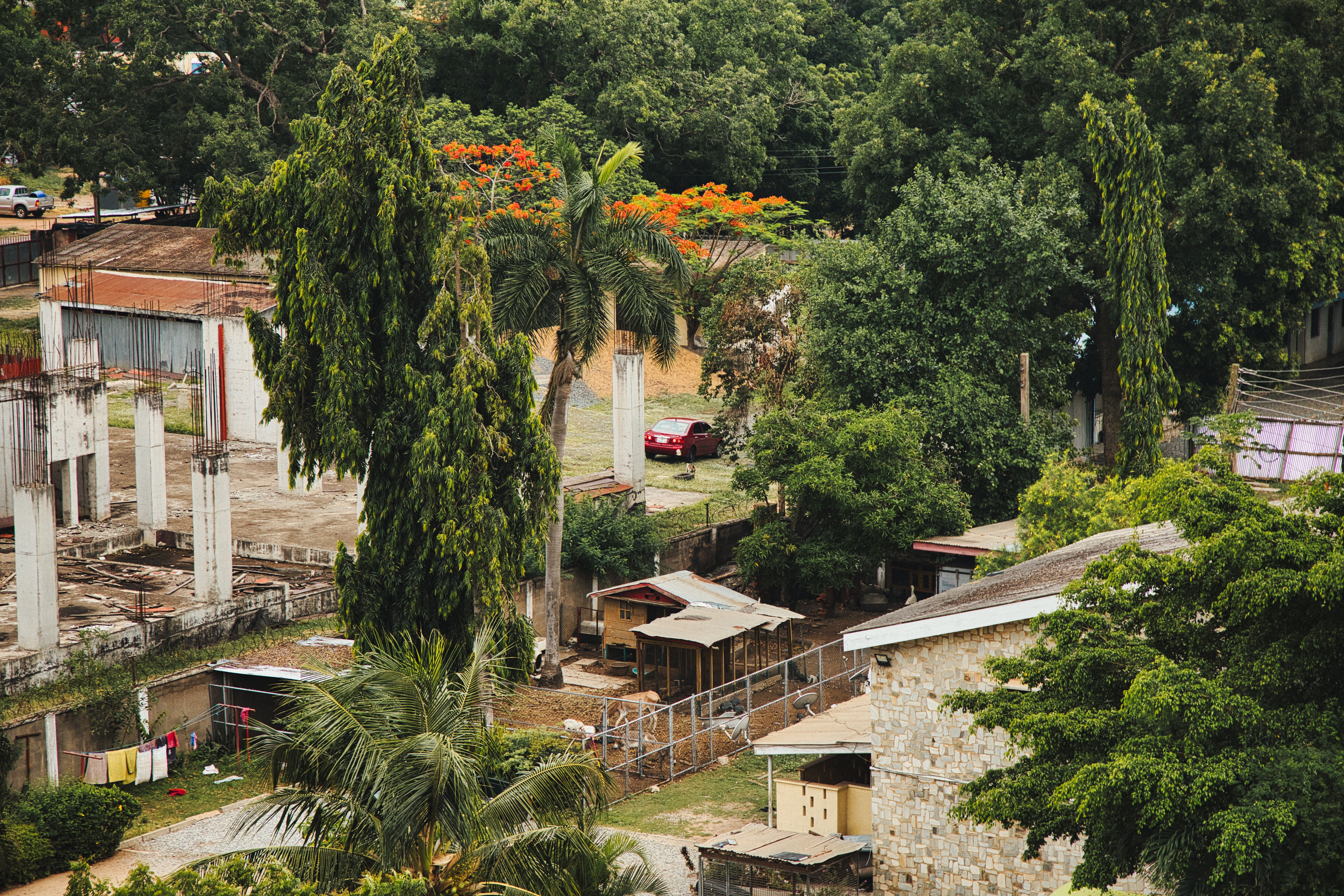
Verified Neighbours Only
Safe interactions powered by local verification. Connect with real people on your street.
Deep DiveYour Estate,
In Your Pocket
We've stripped away the noise to give you the most intuitive way to buy, sell, and connect with your immediate community.

Swift Listings
Post in seconds. Upload your media and reach your local circle instantly.
Effortless Discovery
Powerful filters to find exactly what you need without the endless scrolling.
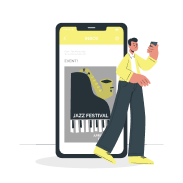
Estate & Local Events
Connect in person. Secure your spot at estate meetings, street parties, and local events.
Frequently Asked
Everything you need to know about the Yrdly ecosystem.
1How to create listings?
To create a listing, navigate to the 'Create Listing' section from your dashboard. Fill in the required details such as title, description, price, and category, then upload images if necessary. Once you submit, your listing will be visible to the community.
2How to purchase items?
To purchase an item, browse available listings and click on the one you're interested in. Tap the 'Buy Now' or 'Contact Seller' button to proceed. Payments can be made securely through our supported payment gateways, and you will receive a confirmation once the purchase is complete.
3How to attend events?
To attend an event, go to the 'Events' section of the app. Select the event you're interested in, check the details, and click 'Join' or 'Get Ticket'. If it's a paid event, you'll need to complete the payment process before your spot is confirmed.
4Can I save listings?
Yes, you can save listings to view later. Simply tap the 'Save' or 'Bookmark' button on any listing. Your saved listings will be available under your profile in the 'Saved Items' section.
5What if I have a question?
If you have a question, you can visit our Help Center or contact support directly from the app. Go to 'Settings' → 'Support' to chat with our team or send us an email. You can also check our community forums for quick answers.